vport

7 posts tagged with "Tutorial"

How-to guides and tutorials

View All Tags

Inside the VPORT Creator Portal: A Walkthrough of Upload, Edit, and Publish

· 19 min read
CPO

The portal is the door. Everything before it — the camera, the show, the crowd, the moment you decided to hit record — is raw material. Everything after it — a viewer on a Vision Pro, standing inside a room you captured, feeling the bass — is the finished experience. The Creator Portal is where raw becomes real. Upload. Edit. Publish. Twenty minutes between the file on your hard drive and a spatial concert living on the platform.

This is the full walkthrough. Every screen. Every setting. Every decision point. No assumptions about what you already know.

Audio Sync in 360° Video: Why Soundstage Matters More Than Camera Resolution

· 18 min read
Head of Legal

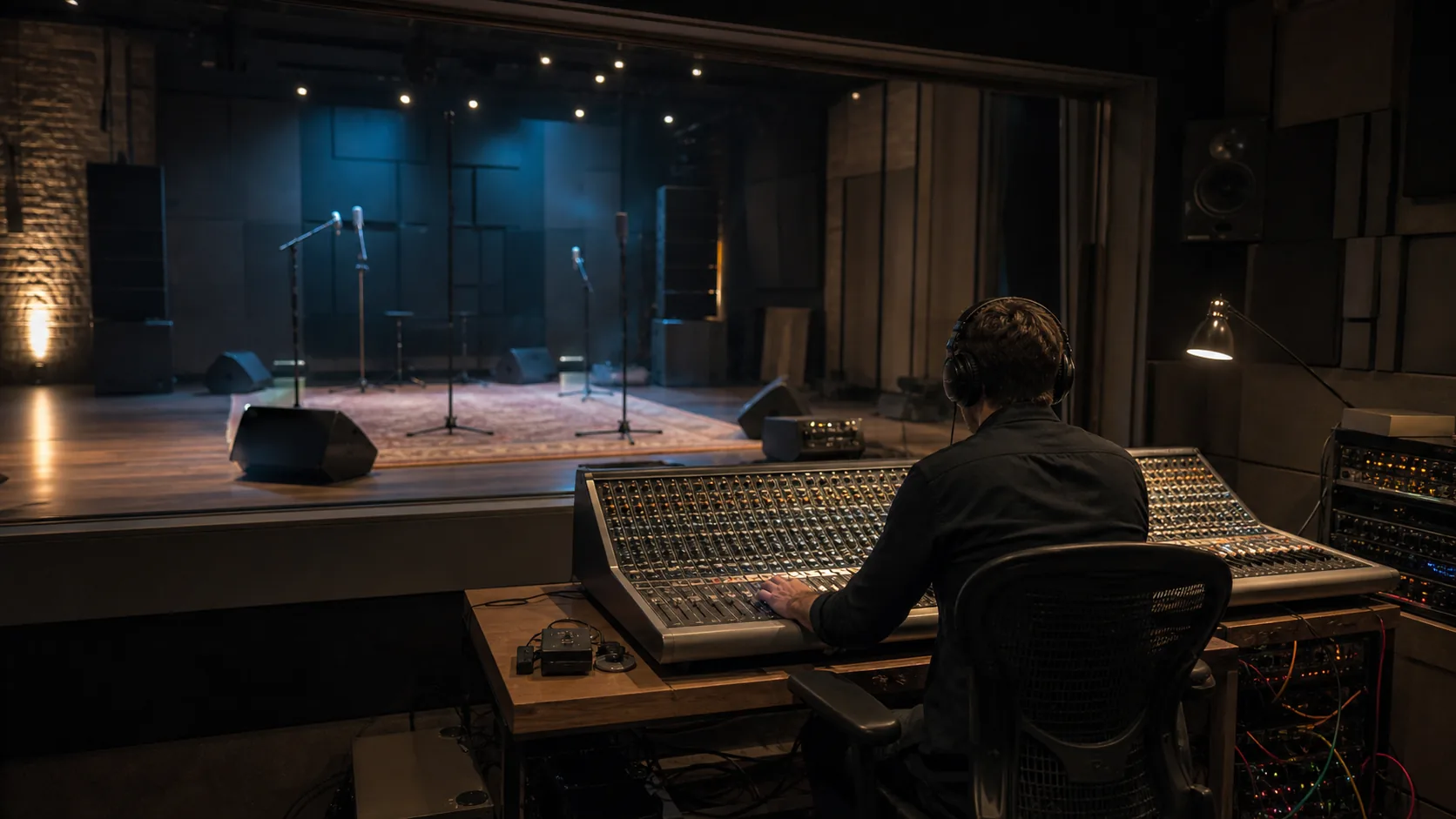
Here is something nobody talks about at trade shows or in camera review videos: the reason most 360-degree concert footage falls apart has nothing to do with the camera. Not the resolution. Not the stitching. Not the codec. It is the audio. Always the audio.

You can shoot 8K stereoscopic 360 with a rig that costs more than a used car, stitch it perfectly, encode it flawlessly, and deliver it to Apple Vision Pro through VPORT's pipeline at maximum fidelity — and if the audio is a tinny, phase-smeared recording from a mic sitting on top of the camera, the entire experience collapses. The viewer's brain trusts sound before it trusts vision. Always has. When the visual says "you are standing in a warehouse club at 2 AM" but the audio says "you are listening to a phone recording in a parking lot," the brain sides with the audio. Every time.

iPhone Spatial Video Is Quietly the Best Starter Camera for Live Music

· 14 min read
CPO

You already own the best starter camera for spatial concert capture. It is in your pocket. It was there last night at the show you went to. And the night before that. You just did not know it could do this.

The iPhone 15 Pro, 15 Pro Max, 16 series, and every Pro model since can shoot spatial video — real stereoscopic depth, real MV-HEVC encoding, real playback on Apple Vision Pro. Not a gimmick mode buried in settings. Not a "spatial filter" slapped on flat footage in post. Actual two-perspective capture from the dual camera system, baked into a format that Vision Pro reads as native immersive content.

How to Film Your First Immersive Concert: A Practical 360° Production Guide

· 14 min read
Head of Legal

Your first 360-degree concert capture will have one great minute and eleven you will re-edit forever. That is not pessimism. That is pattern recognition. We have watched it happen dozens of times — a creator nails the camera position for the drop, the lighting lands perfectly for sixty glorious seconds, and then they spend the next two weeks in post trying to salvage the rest. Stitch lines through the guitarist's face. Audio that sounds like it was recorded inside a washing machine. A twenty-minute stretch where the stage lights went UV and the footage turned into purple soup.

Window, Spatial, and Immersive: The Three Ways VPORT Plays on Apple Vision Pro

· 11 min read
CPO

The three VPORT playback modes on Apple Vision Pro — Window, Spatial, and Immersive

One concert. Three completely different ways to watch it. Same artist, same night, same setlist — but the feeling changes depending on how you let it in. That is the core of VPORT on Apple Vision Pro. Not one playback pipeline, but three. Window. Spatial. Immersive. Each one built for a different moment, a different headspace, a different level of surrender.

A Tuesday-night rewatch on your couch demands something different from a Saturday-night deep dive with the lights off. So we built three modes. Here is what each one actually does — and when to reach for it.

How to Watch Your First Concert on Apple Vision Pro: A Complete Beginner's Guide

· 13 min read
CPO

The first sixty seconds inside a VPORT show will ruin flat video for you forever. That is not hyperbole. It is a warning. You put on Apple Vision Pro, you open the app, you tap a show — and then you are standing inside the room. The bass is in your chest. The lights are above you. And there is no screen. There is just... the venue.