
Profile, Privacy & Safety
Open Profile from the bottom navigation or select your avatar in the Home header.
Review your profile
Profile shows the account name, username, and email, then provides shortcuts to Following, Notifications, Support, and account settings.
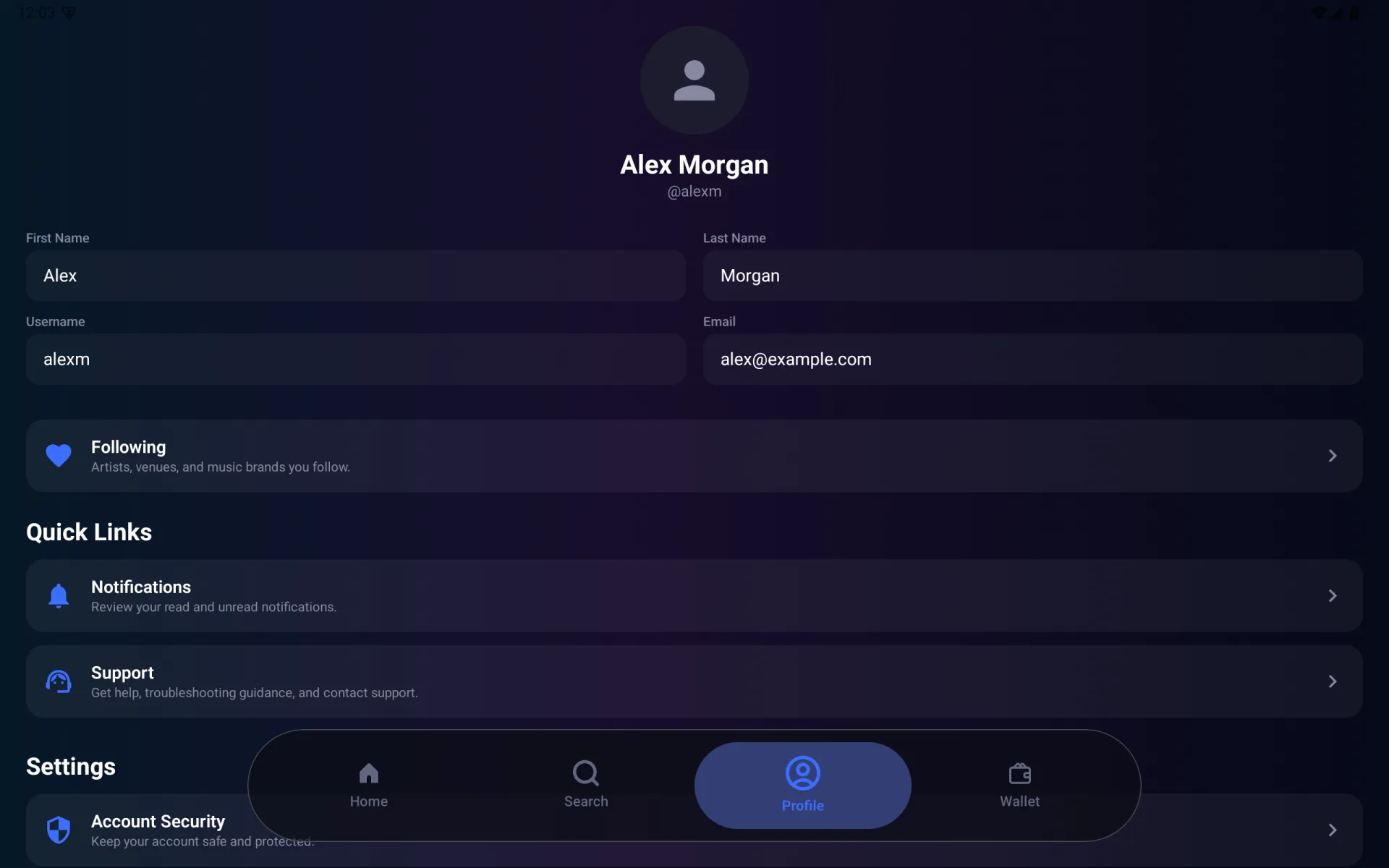
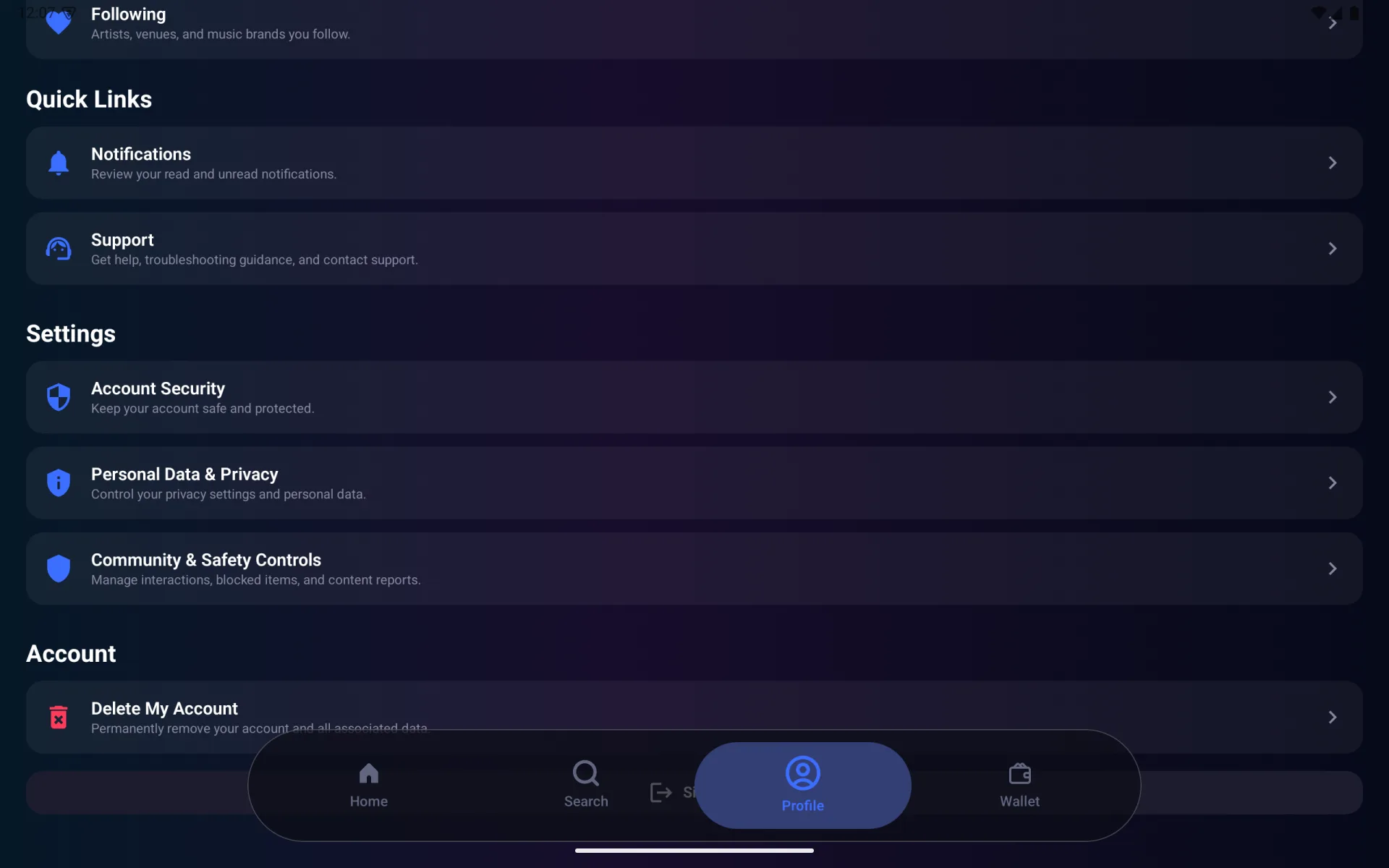
Scroll to reach Account Security, Personal Data & Privacy, Community & Safety Controls, account deletion, and Sign Out.
Following
Select Following to review artists, venues, and music brands you follow. Choose All, Artists, Venues, or Brands to filter the list, then select an item to open its detail page.
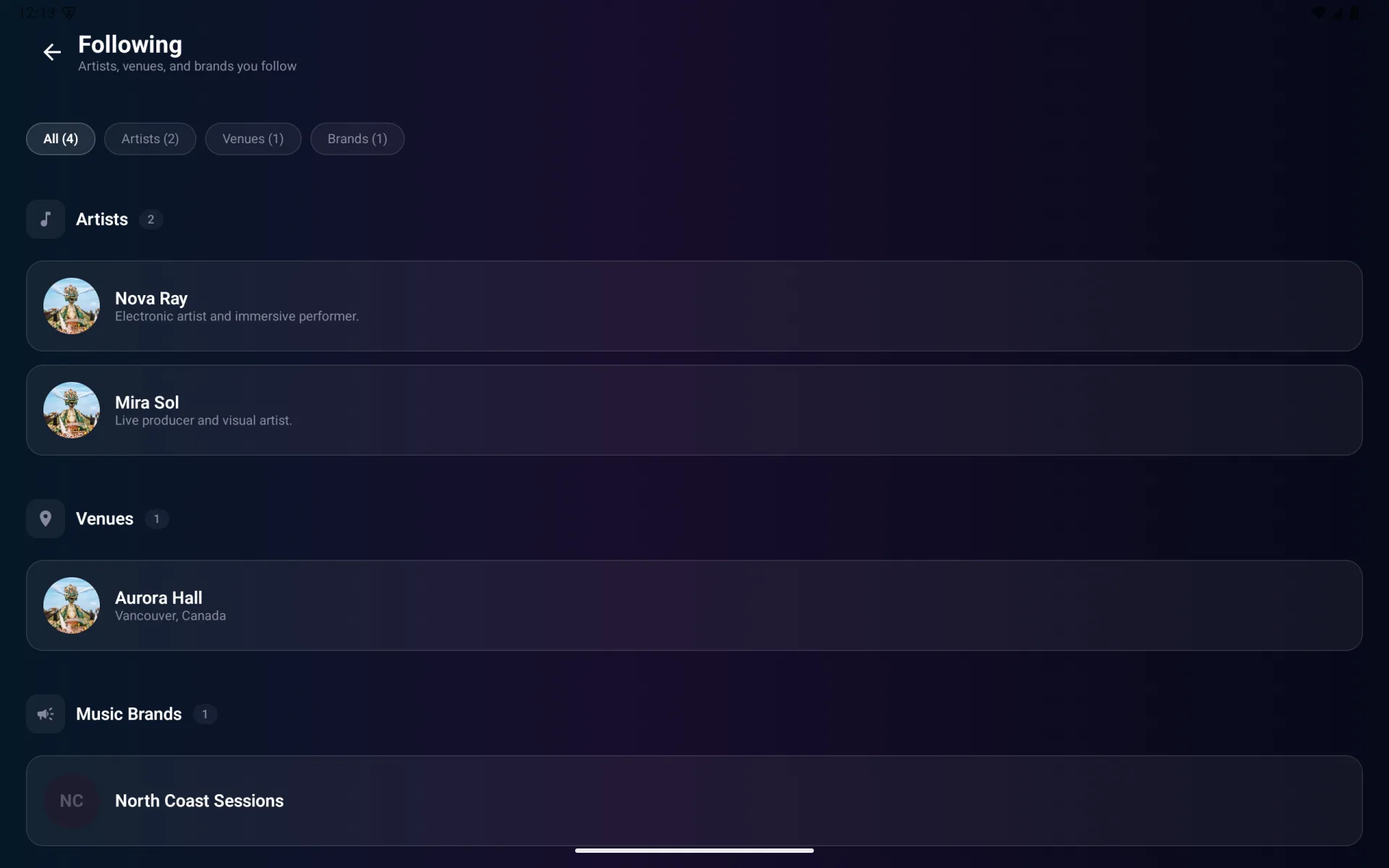
Use Follow or Unfollow on supported detail pages to update this list.
Notifications
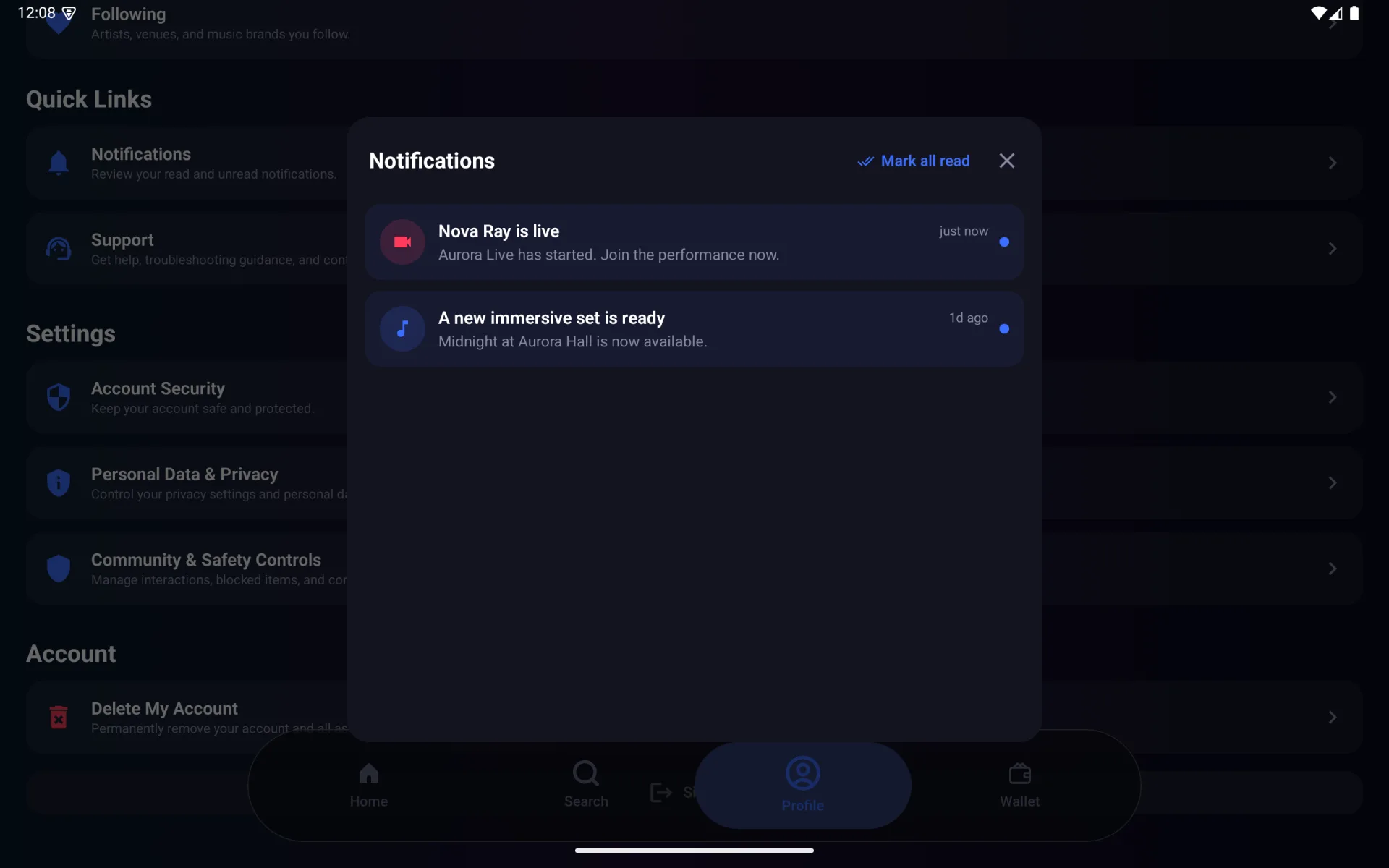
Select Notifications from Profile or the Home bell. Unread notifications have an indicator and can open their related live performance, event, wallet, or support destination. Select Mark all read to clear the unread state.
Account Security
Open Account Security to change your password or manage new-login email alerts.
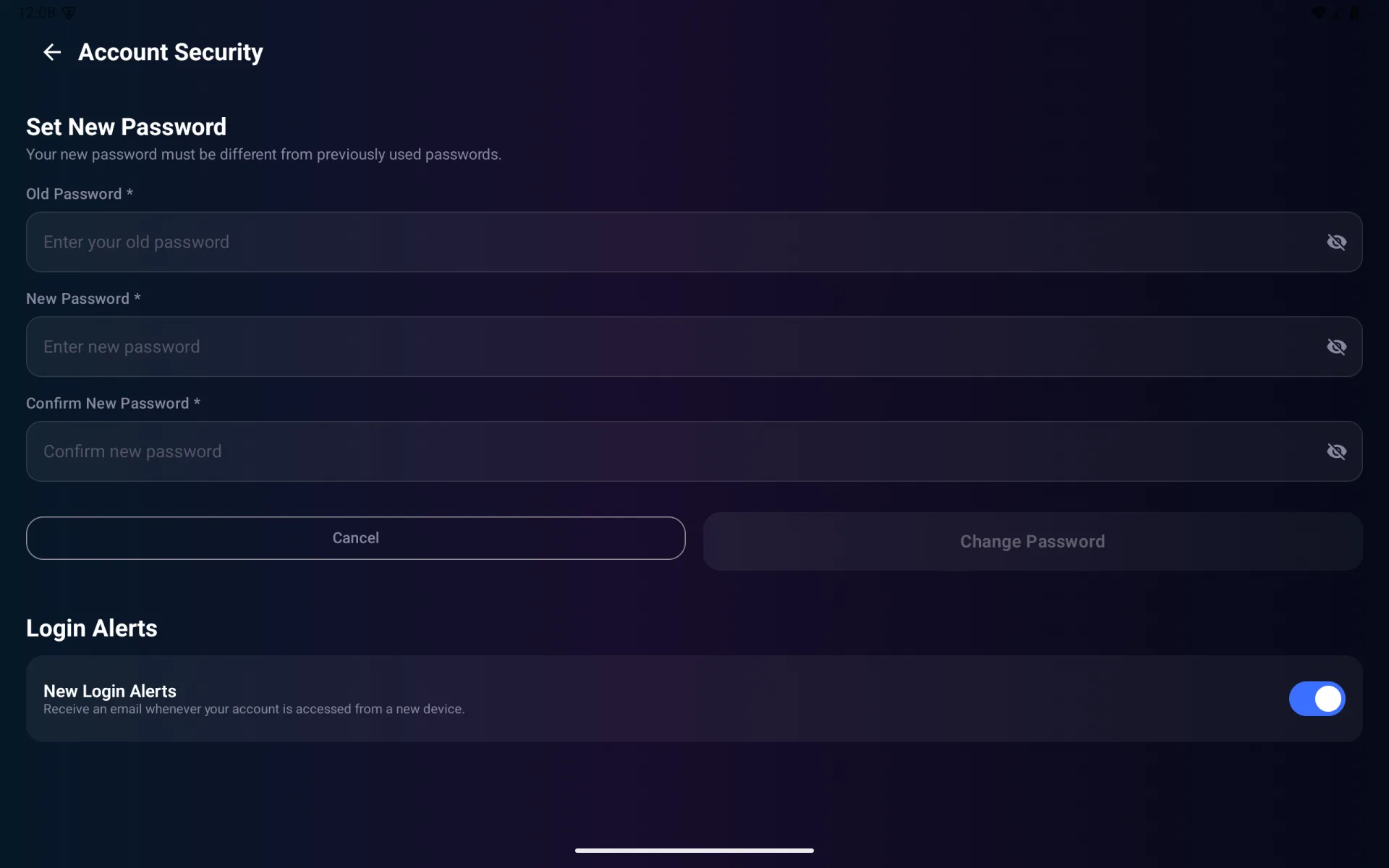
To change the password, enter the old password, new password, and confirmation. If you do not know the current password, sign out and use Reset Password on the sign-in screen.
Personal Data & Privacy
Open Personal Data & Privacy to:
- Request a copy of your profile, activity, and account information
- Delete your account
- Read the Meta Quest spatial-data notice
- Read the Privacy Policy
- Contact the privacy team
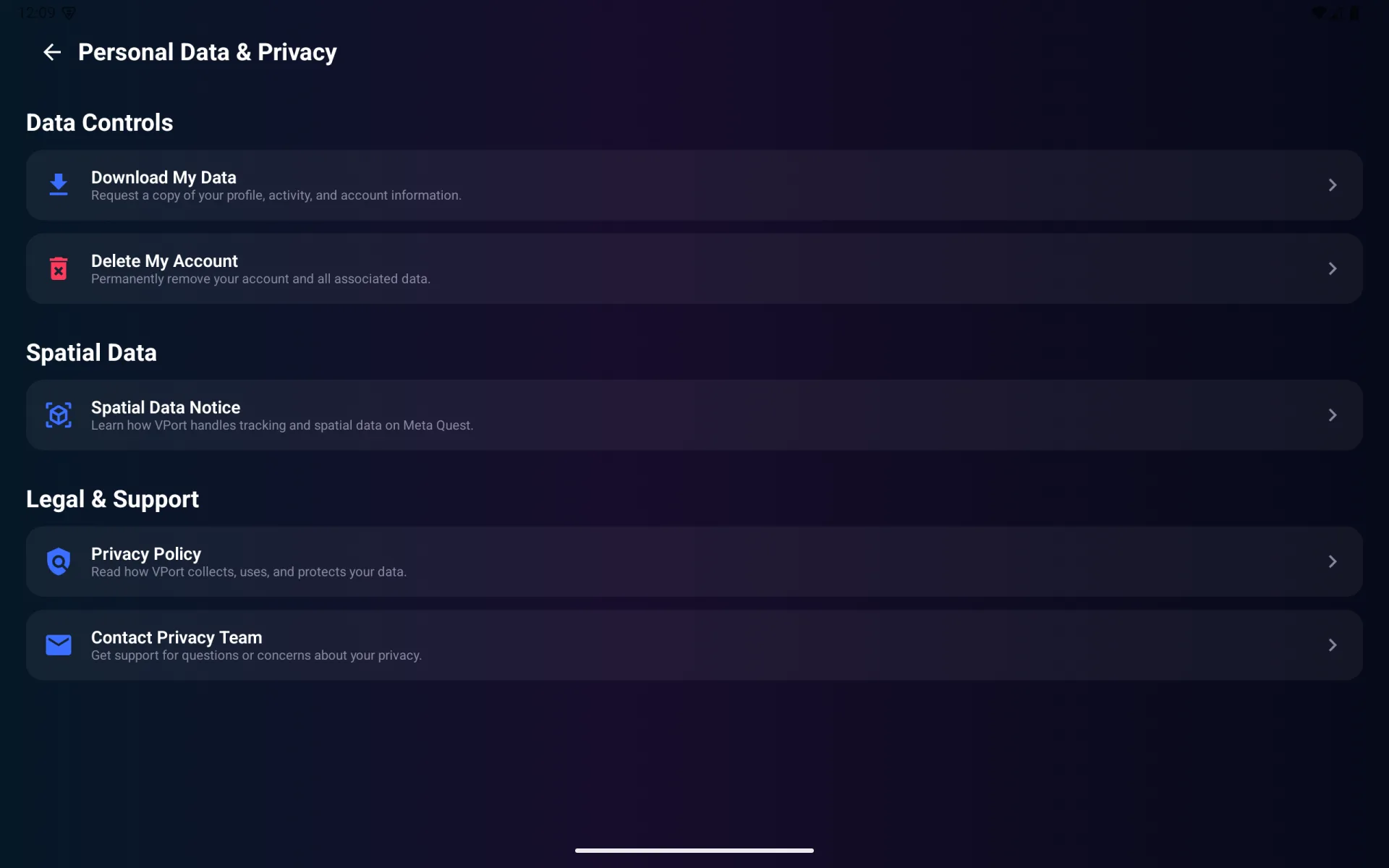
Review every confirmation before requesting data or deleting the account. Account deletion is permanent.
Community & Safety
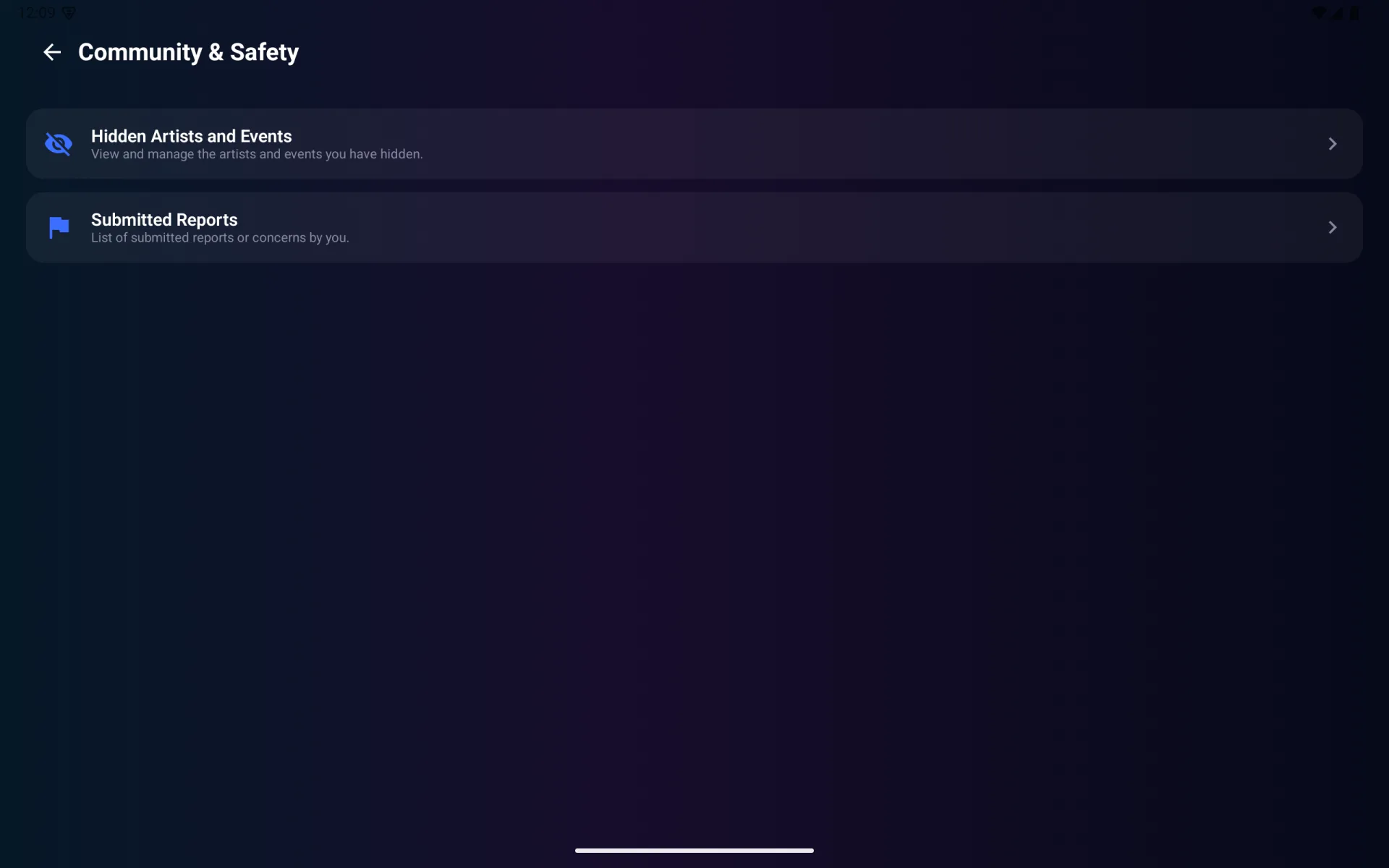
Open Community & Safety Controls to manage hidden artists and events or review reports submitted from the player.
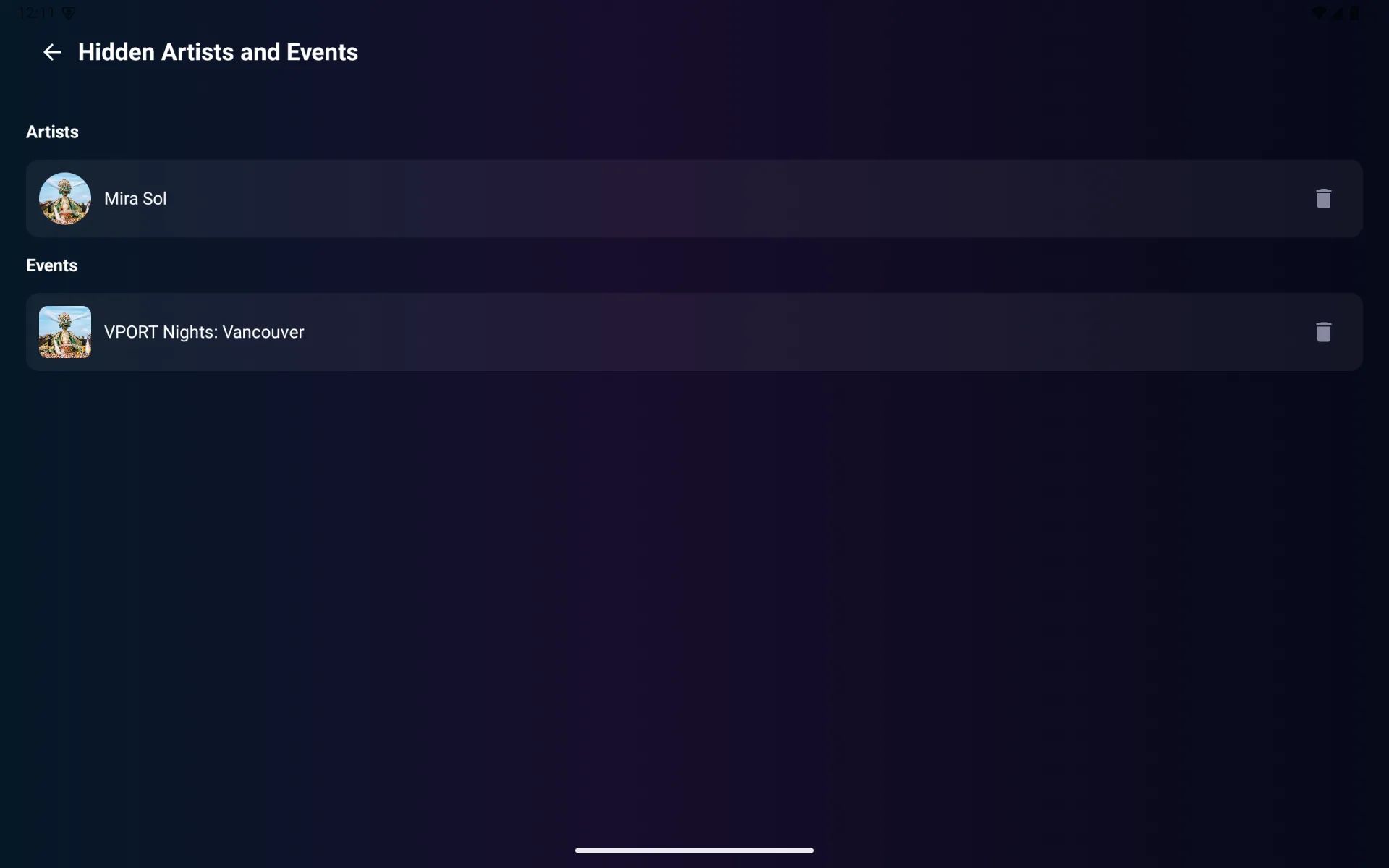
Hidden artists and events
Select Hidden Artists and Events, then select Unhide beside an item to return it to normal discovery.
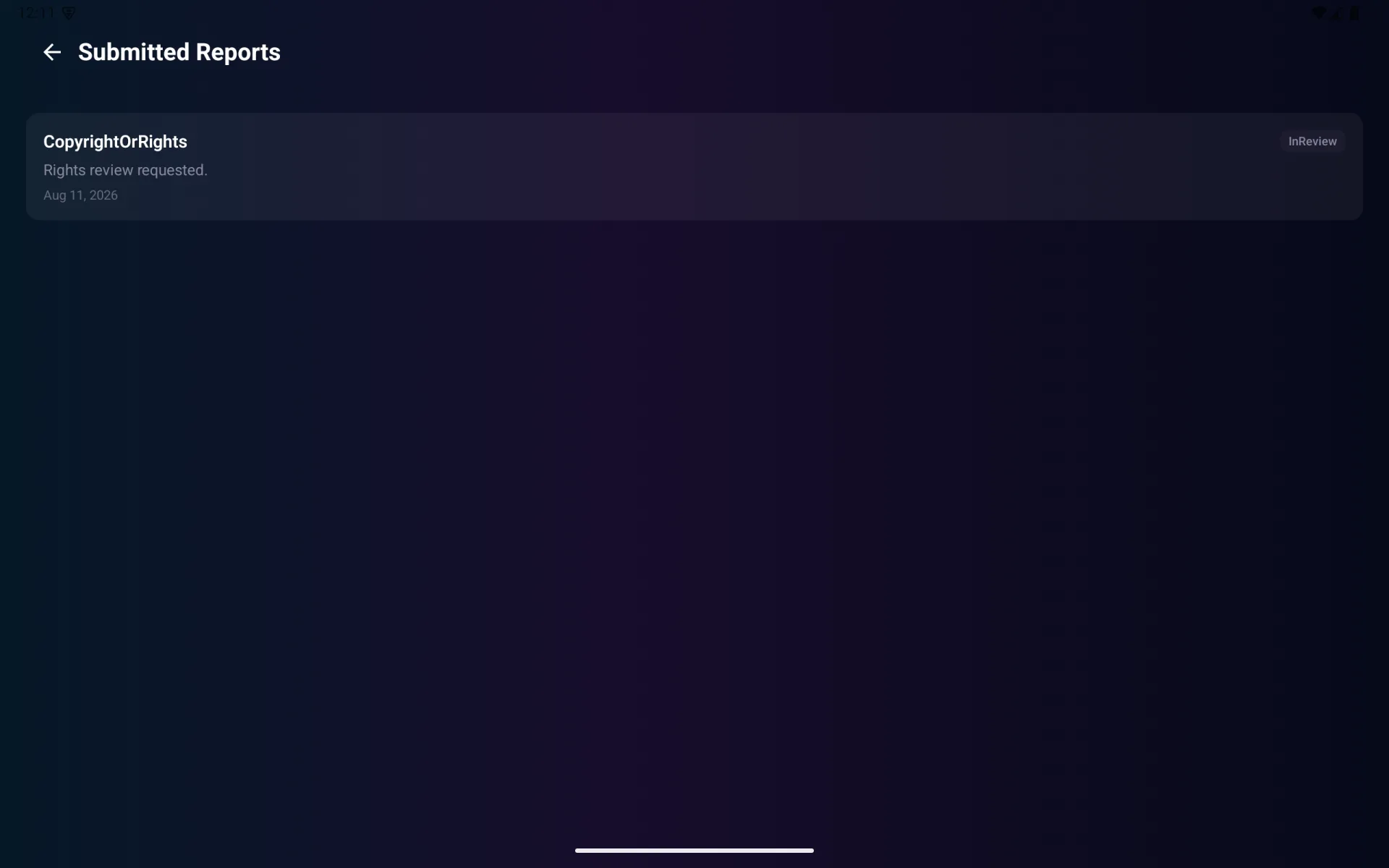
Submitted reports
Select Submitted Reports to review each report's category, status, description, and date.
Support and sign out
Select Support for help inside VPORT. Select Sign Out at the bottom of Profile to end the current session; you can sign in again with the account username or email and password.