
Browsing & Discovery
The signed-in VPORT home page combines a featured banner with catalog-driven discovery rows. The exact cards, artwork, prices, and row population change as the catalog changes.
Home feed
The hero banner highlights a current event and provides an Experience it action.
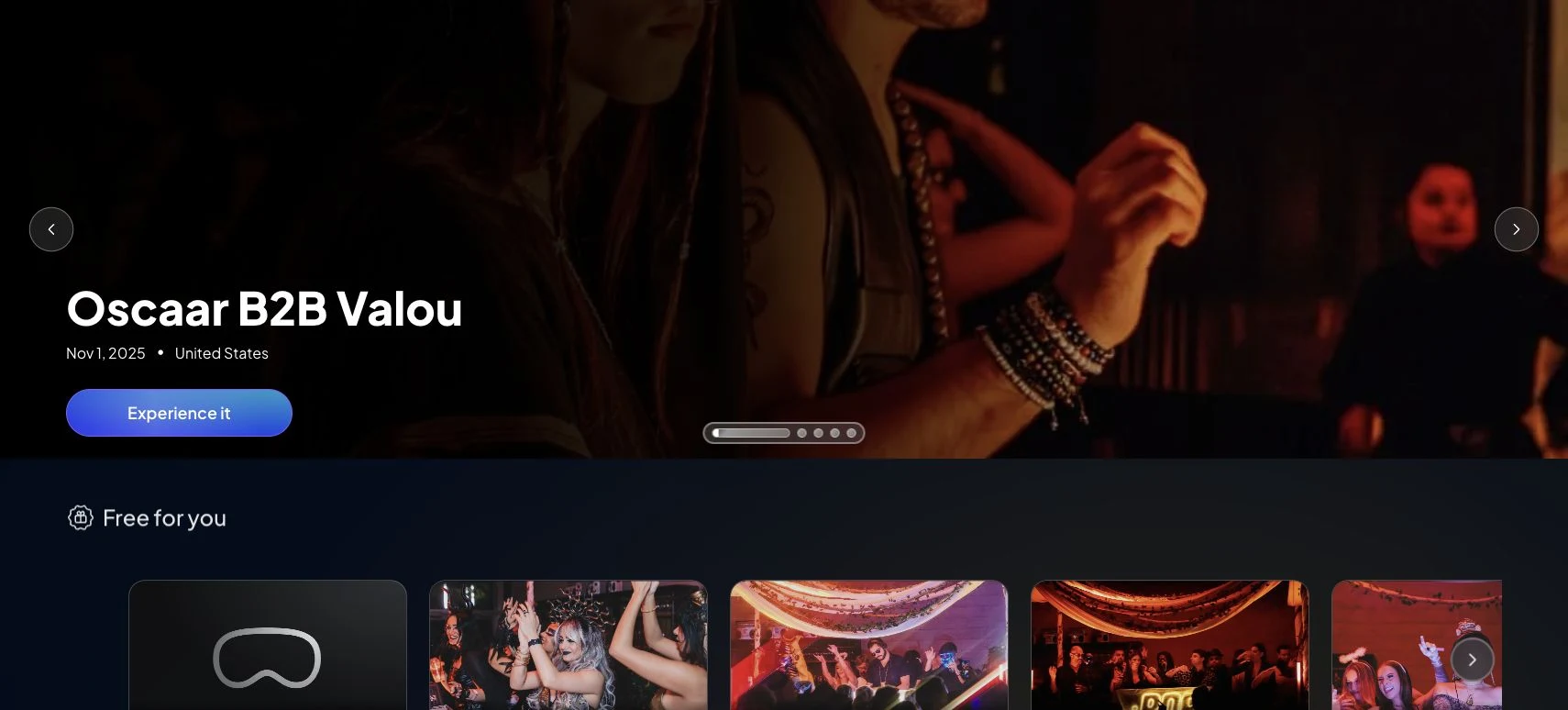
The current home implementation can display:
- Free for you
- Artist Sets
- Event Collection
- Upcoming promotional banners
- Most Popular Artists
- Top Events
- Venues
- Keep Watching
- Music Brands
A section can be empty or omitted when the catalog has no eligible content. Keep Watching depends on recorded progress for the signed-in account.
Use the horizontal controls to reveal more cards in a row. Select a card to open its detail page.
Review an event
An event page can show its name, date, location, venue, description, lineup, available performance instances, and a share action.
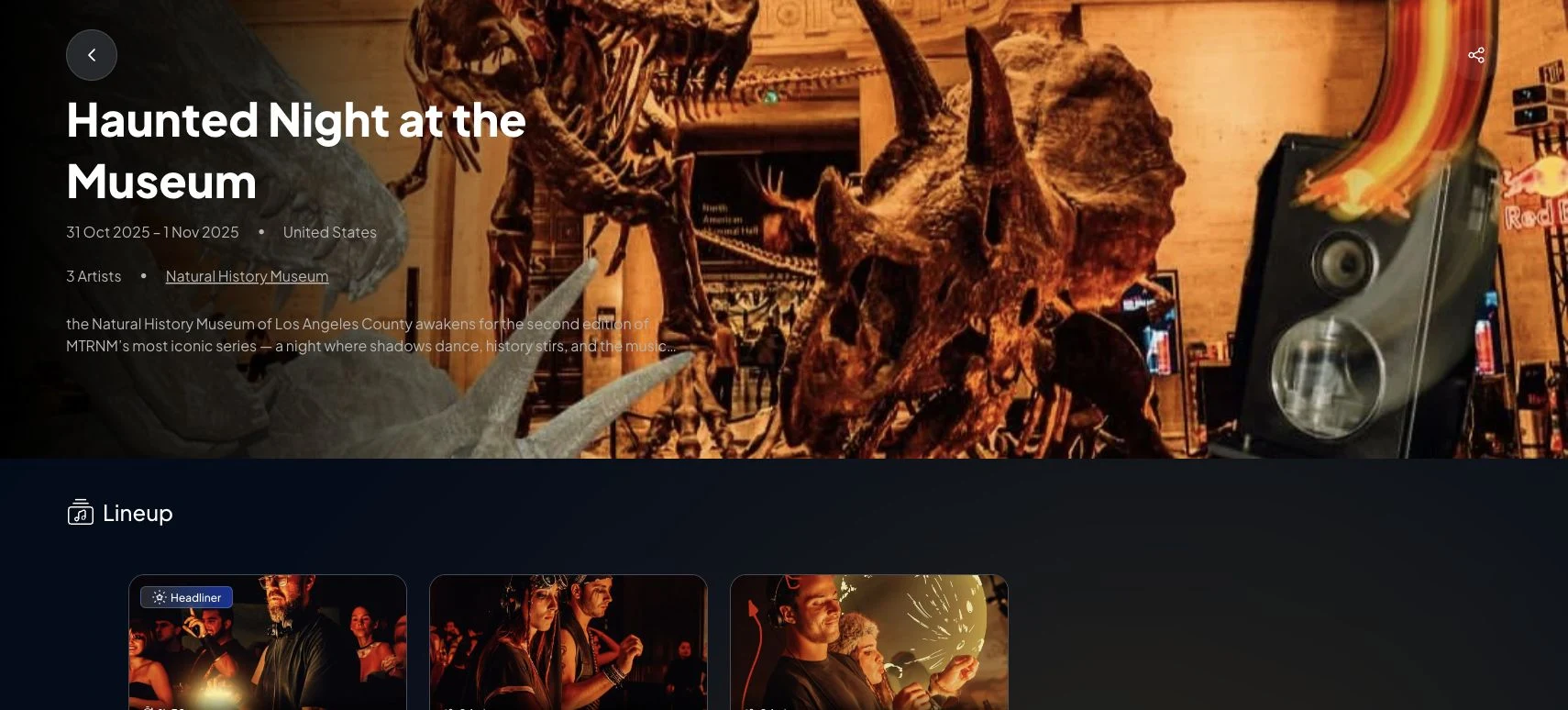
Before starting playback:
- Confirm that the event or selected performance is available.
- Review whether it is free or displays a price per minute.
- Confirm the date or live state.
- For paid content, check the credit balance and use Credit if necessary.
Not every event exposes every field or footage format.
Explore catalog entities
Select an artist, venue, or music-brand card to open the matching catalog page when one is available. Those pages can collect related events or performances. Their content is maintained by the active catalog, so a sparse page is not necessarily a loading failure.
Venue pages
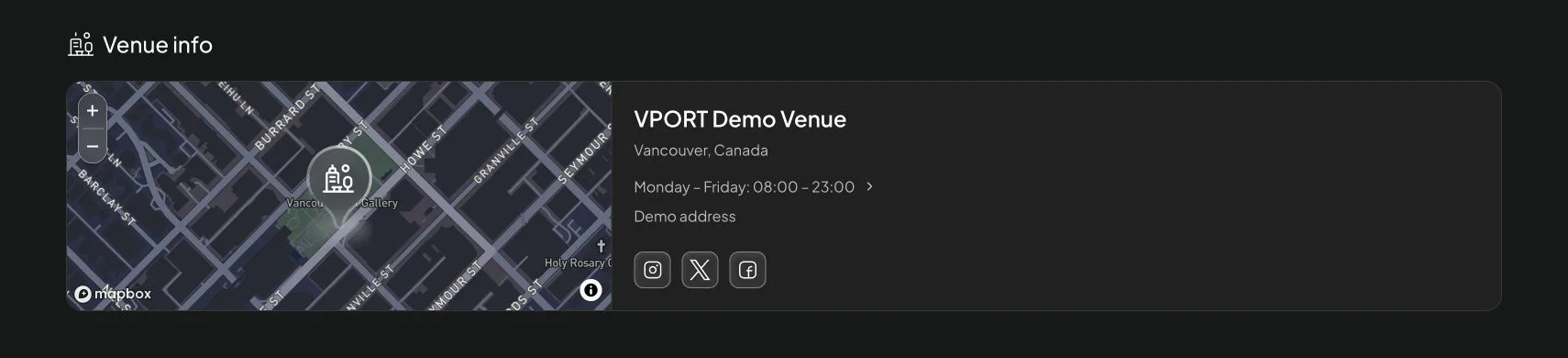
Depending on the available catalog data, a venue page can include:
- Upcoming events, available performances, and artists who have performed there
- Stage cards with the stage name, capacity, and description when those details are provided
- A map and venue information, such as the city, country, address, operating days, and hours
- Links to the venue's website and supported social profiles
Use Search when the intended entity is not visible on Home. See Search for supported result categories.
Following
Open Following to review artists, venues, promoters, and people followed by the signed-in account. A section appears only when that follow type has entries; cards are account-specific.
Follow or unfollow from the relevant entity page when the control is available. VPORT does not guarantee that following an entity enables every email or push notification.
Troubleshooting
A row is missing
- Reload Home once.
- Confirm the connection is stable.
- Remember that empty catalog sections can be omitted.
- Try Search to determine whether the content still exists.
A card or event does not open
- Wait for the page to finish loading, then try once more.
- Open another card to determine whether the problem is event-specific.
- Record the event, browser version, time, and exact error before contacting VPORT Support.