
Getting Started on Meta Quest
VPORT opens in a wide headset panel where you can discover live and on-demand performances, manage your wallet and account, and start immersive playback.
Sign in
- Open VPORT from your Meta Quest app library.
- Enter your username or account email in Username / Email address.
- Enter your password.
- Select Sign In.
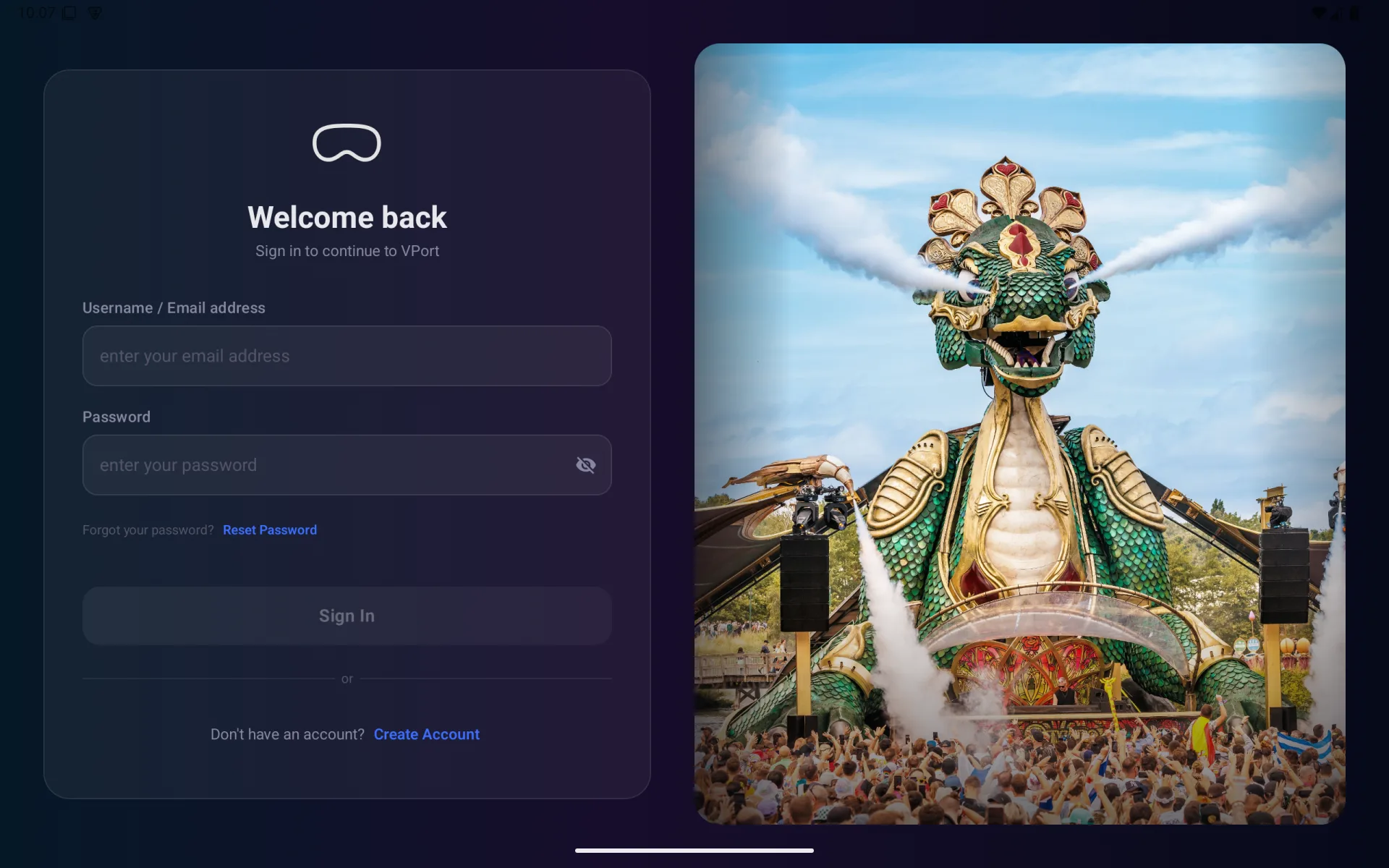
If VPORT asks for an additional verification step, follow the on-screen instructions to finish signing in.
Create an account
Select Create Account on the sign-in screen. Enter your first name, last name, email, username, password, and password confirmation.
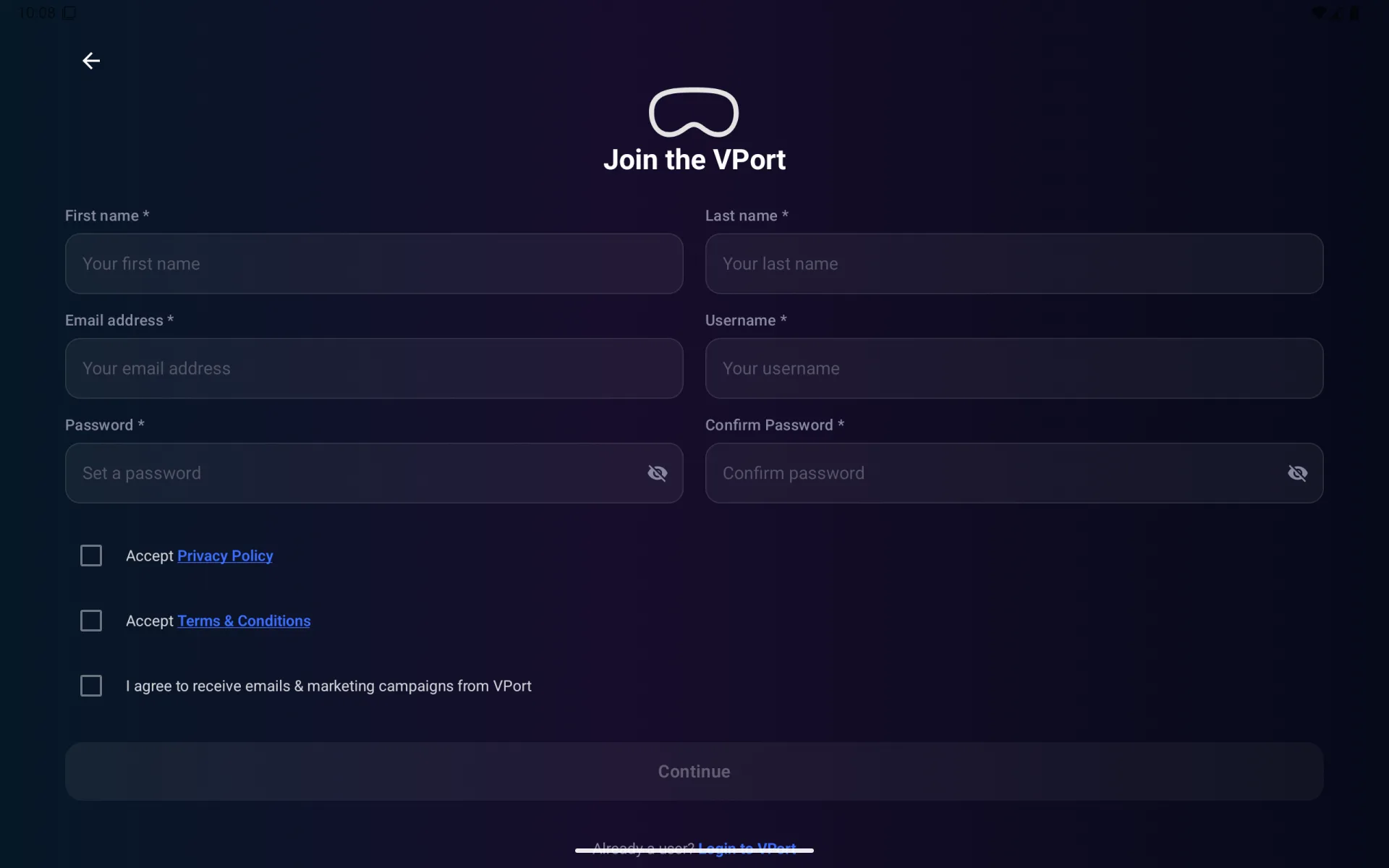
Review and accept the Privacy Policy and Terms & Conditions. Marketing consent is optional. If email verification is requested, complete it before signing in.
Reset a forgotten password
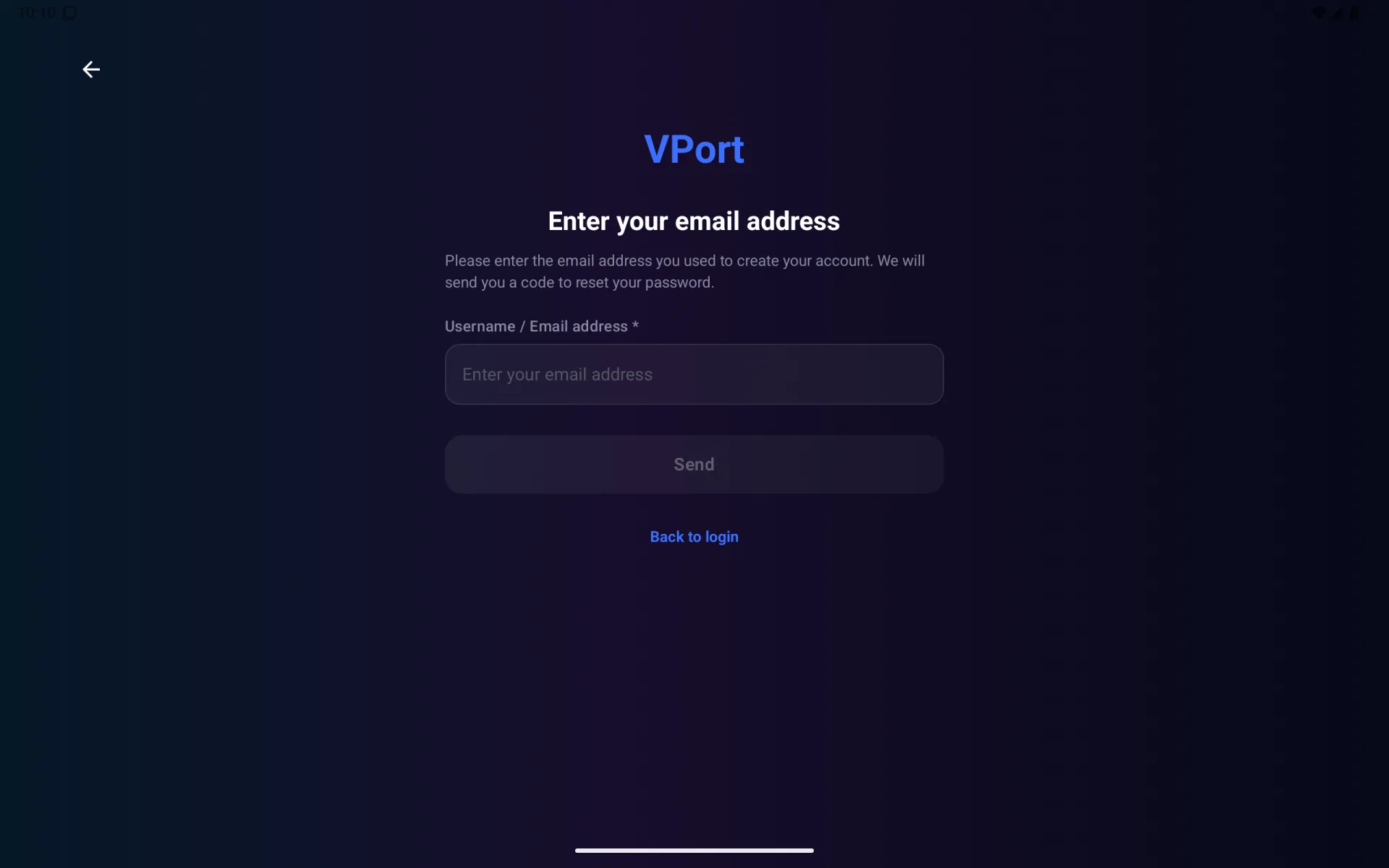
Select Reset Password, then enter the username or email connected to your account. Follow the code and password prompts sent to you.
Move around VPORT
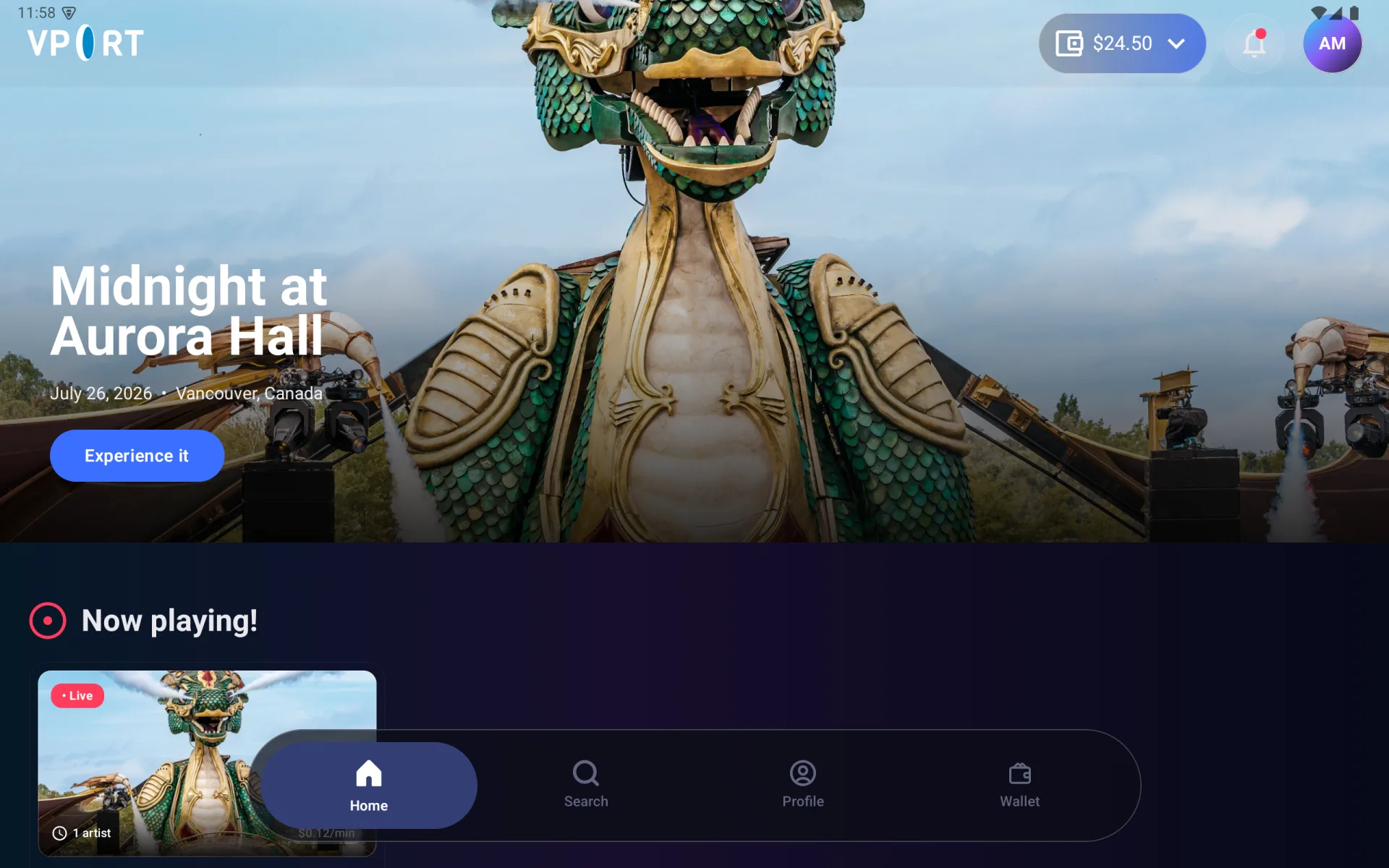
The four destinations in the bottom navigation are:
- Home — featured, live, free, popular, and recently watched content
- Search — live performances, artist sets, events, and artists
- Profile — following, notifications, support, security, privacy, and safety
- Wallet — credit packages and payment history
The selected destination is highlighted. You can also use the wallet balance, notification bell, and profile avatar in the Home header as shortcuts.
Continue with Home, Search & Detail Pages, Watching Live & On Demand, or Wallet & Payments.
Get help
Open Profile > Support. Include the performance title, what you selected, and the exact message shown on screen.