
How to Find Concerts with AI Without Trusting a Hallucination
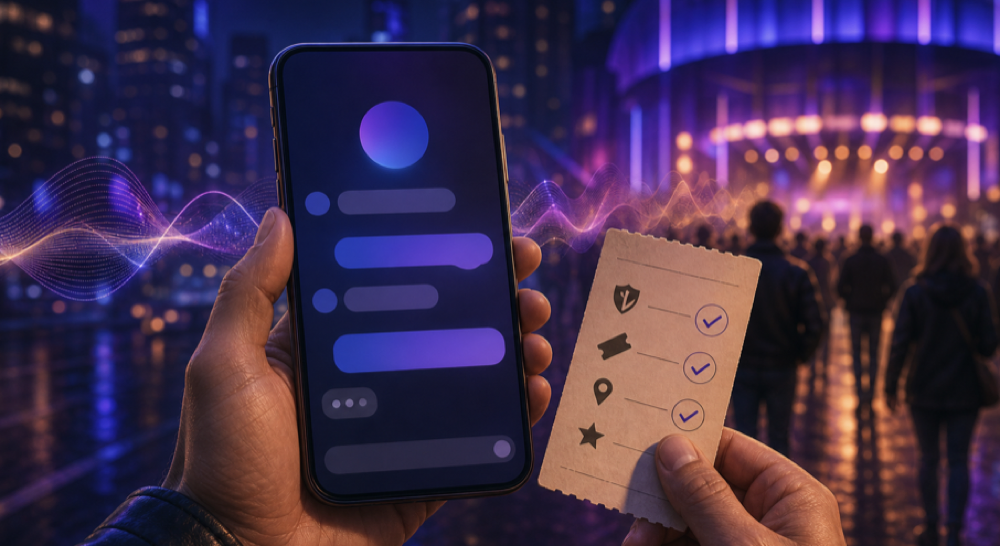
AI can turn “What should I see tonight?” into a useful shortlist. It can also return an event from last year, confuse two venues, or confidently repeat a ticket link that is no longer valid. The safest way to find concerts with AI is to use the assistant for discovery and use official event sources for confirmation.
The short answer
Give the assistant enough detail to narrow the field:
- your city or neighborhood;
- the exact date and local time;
- genres or artists you like;
- your total ticket budget;
- travel limits;
- age restrictions; and
- any accessibility requirements.
Then ask it to include a source for every recommendation. Treat the answer as a draft itinerary, not a confirmed event listing. Before you travel or pay, open the official venue, organizer, artist, or authorized ticket page and verify every material detail yourself.
A prompt that produces a better shortlist
Start with a prompt like this:
Find live electronic-music events in Vancouver on Saturday, August 1, 2026. My ticket budget is CAD 60 before fees, I want a venue reachable by transit, and I need step-free access. Give me no more than five options. For each one, include the event date, doors time, venue, age restriction, ticket price, accessibility information, and a link to the organizer or venue. Mark anything you could not verify.
Specific constraints make the result easier to evaluate. A request for “good music tonight” leaves the assistant to guess what good, tonight, and even your location mean.
If your assistant can search the web, ask it to search rather than rely on remembered information. For example, OpenAI says ChatGPT Search can return timely web answers with links and may show inline citations or a Sources panel. Those links make checking the answer easier; they do not remove the need to check it. See the official ChatGPT Search guide.
Verify these seven details before you commit
1. Event status
Confirm that the event is still scheduled. Look for cancellation, postponement, venue-change, or sold-out notices on an official page and on the organizer’s current social account.
2. Date, time, and time zone
Do not rely on a relative phrase such as “this Saturday.” Check the full calendar date, doors time, performance time, and local time zone. This matters especially for livestreams and events close to midnight.
3. Venue and address
Venues can have similar names, multiple rooms, or more than one location. Match the street address on the event page with the venue’s own website or map listing.
4. Ticket seller and final price
Follow the ticket link from the official venue, artist, festival, or organizer page. Check fees before purchasing. Avoid unfamiliar resale links that appear only in an assistant’s answer.
5. Age and entry rules
Verify the minimum age, accepted identification, re-entry policy, bag policy, and last-entry time. These rules can vary between events at the same venue.
6. Accessibility
“Accessible” is not specific enough. Confirm the details you need: step-free entry, accessible washrooms, seating, companion access, quiet space, captions, or a contact for accommodation requests. If the event page is vague, contact the venue directly.
7. Whether it is live, streamed, or on demand
An assistant may group a physical concert, a livestream, and an archived performance together. Check the format, platform, territory restrictions, device requirements, and viewing window.
How to detect a weak AI recommendation
Pause when an answer:
- gives no source;
- cites only listicles or scraped event calendars;
- uses a ticket link that does not appear on an official event page;
- omits the year;
- describes an event as “upcoming” without a current date;
- claims availability without showing an inventory source; or
- fills in an age, accessibility, lineup, or streaming detail that its source does not state.
A polished paragraph is not evidence. If a claim matters to your plans, the source should say it plainly.
A two-pass search works better
Use the first pass for discovery:
Give me five plausible options and explain why each matches my taste.
Use the second pass for verification:
Recheck only these two options. Use the venue, organizer, artist, or authorized ticket seller as the source of truth. Quote no more than a short phrase from each source, link it, and list any conflict or missing detail.
Separating those jobs makes uncertainty visible. It also prevents a long list of loosely matched events from looking more reliable than it is.
If you publish event pages, make the facts easy to verify
Clear public event pages help people and search systems find the same facts. Put the event name, status, start date, local time, venue, address, organizer, ticket URL, price, age rule, and accessibility information in readable text. Update the page when something changes.
Google’s official event structured-data documentation explains how an event page can become eligible for event experiences in Search. It requires accurate names, dates, and locations, and it explicitly says structured data does not guarantee that a rich result will appear. Read the Event structured data guidelines before implementing markup.
That is useful search hygiene, but it is not a promise that an assistant will recommend an event. No publisher controls every answer engine or ranking system.
What this article does - and does not - announce
This is a guide to using general-purpose AI assistants safely. It does not announce a VPORT AI concert-recommendation feature, a new partner, or guaranteed access to any event. To see performances that are actually listed by VPORT, browse the current VPORT catalog and verify availability there.
The practical rule is simple: let AI widen the search, then let primary sources make the decision.