vport

20 posts tagged with "Tutorial"

How-to guides and tutorials

View All Tags

From Browse to Front Row: How to Find Your First Immersive Show on VPORT

· 6 min read
CEO

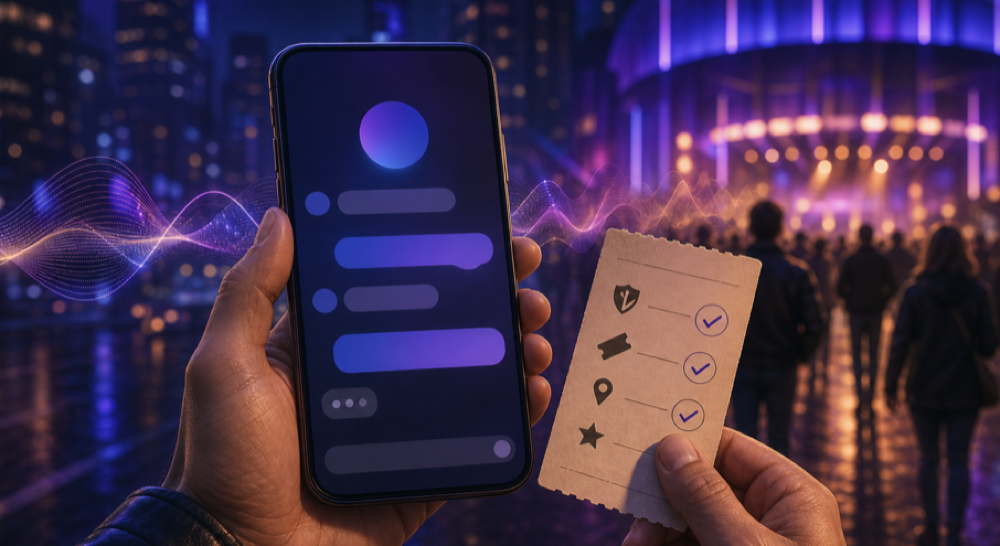
Finding a VR concert takes more than choosing the most dramatic thumbnail. You need a performance that is available to your account, supports the format you want, works on your device, fits the time you have, and shows a price you are willing to pay.

VPORT provides catalog-driven Home sections, Search, and entity pages on its public web and headset experiences. The exact cards, rows, prices, and available performances can change, so this guide focuses on a repeatable way to choose from what is actually offered now.
Virtual Concert Revenue for Artists: A Practical Evaluation Guide

· 7 min read
CEO

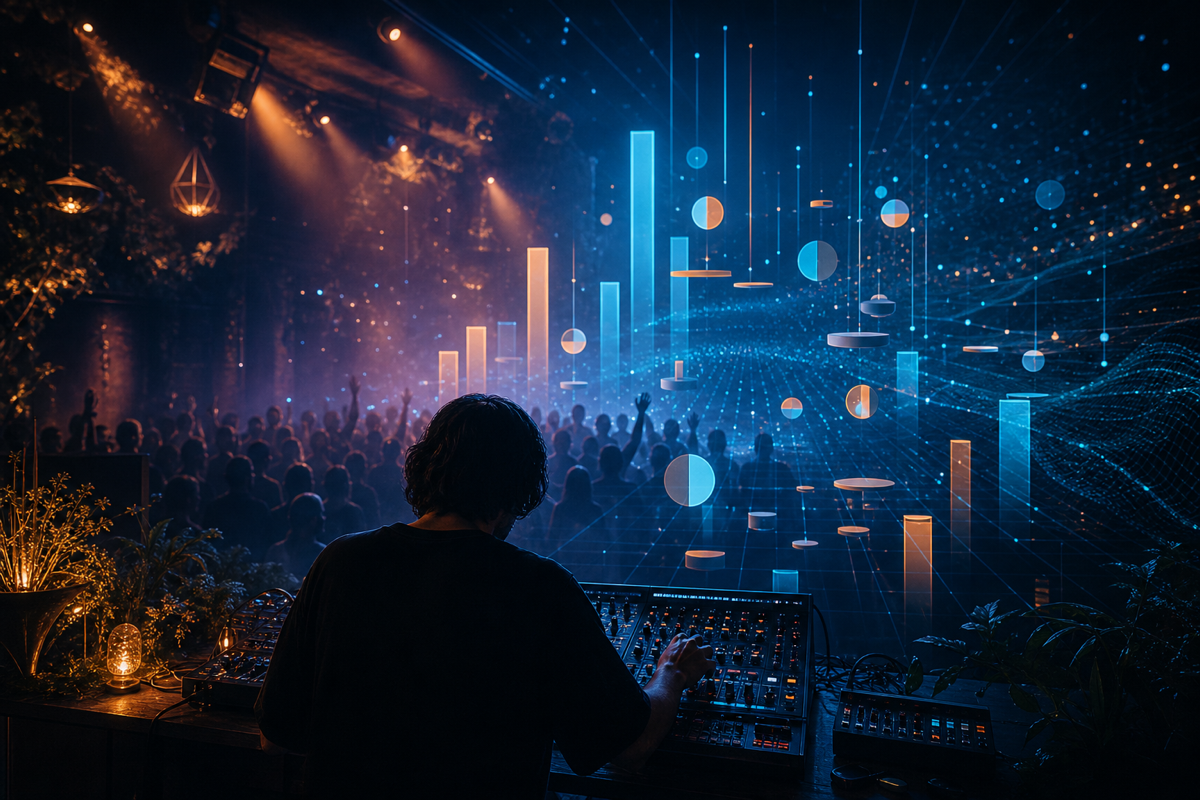
An anonymous electronic musician performing in a fictional hybrid venue with abstract accounting shapes

Virtual concert revenue for artists can come from ticketed streams, on-demand replays, tips, sponsorships, merchandise, or licensing. The headline number is rarely the amount that reaches the artist, though. Rights, fees, refunds, payment timing, and contract terms all affect the result.

This guide provides a practical way to evaluate an offer before you record, publish, or promote a virtual performance. It does not promise that a format or platform will generate a particular level of income.

Immersive Concerts in London: Formats and What to Check

· 6 min read
CEO

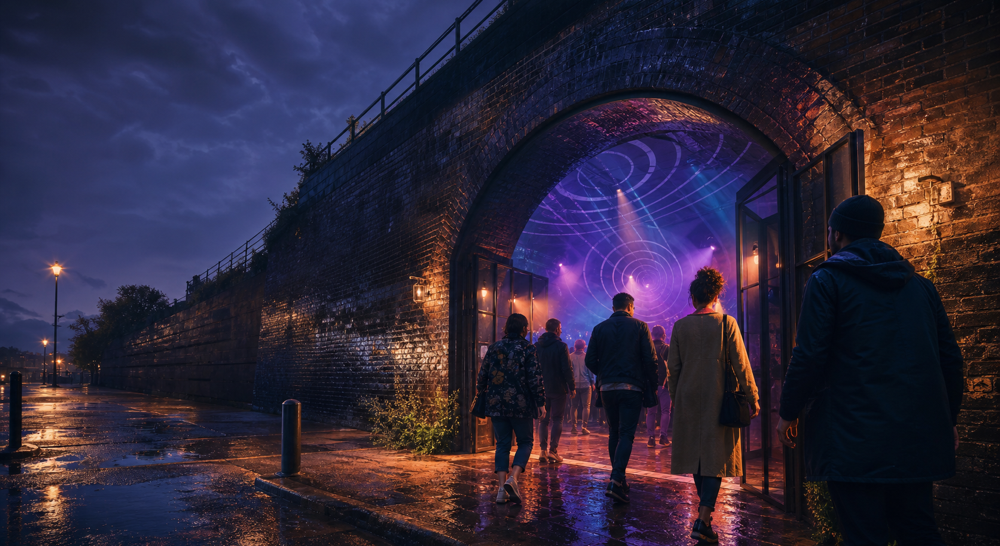
People entering a fictional immersive music venue beneath a rain-soaked brick railway arch in London

Search for immersive concerts in London and you will find very different experiences described with the same word. One event might combine a live band with digital performers. Another might surround the audience with projection and spatial audio. A third might be an interactive performance, while a VR experience could require a headset.

That variety is the first thing to understand: “immersive concert” is a useful category, but it is not a promise of one particular format. The safest way to choose an event is to check what is actually live, what technology is involved, and what the ticket includes.

Inside the VPORT Creator Portal: A Walkthrough of Upload, Edit, and Publish

· 19 min read
CPO

The portal is the door. Everything before it - the camera, the show, the crowd, the moment you decided to hit record - is raw material. Everything after it - a viewer on a Vision Pro, standing inside a room you captured, feeling the bass - is the finished experience. The Creator Portal is where raw becomes real. Upload. Edit. Publish. Twenty minutes between the file on your hard drive and a spatial concert living on the platform.

This is the full walkthrough. Every screen. Every setting. Every decision point. No assumptions about what you already know.

Audio Sync in 360° Video: Why Soundstage Matters More Than Camera Resolution

· 18 min read
Head of Legal

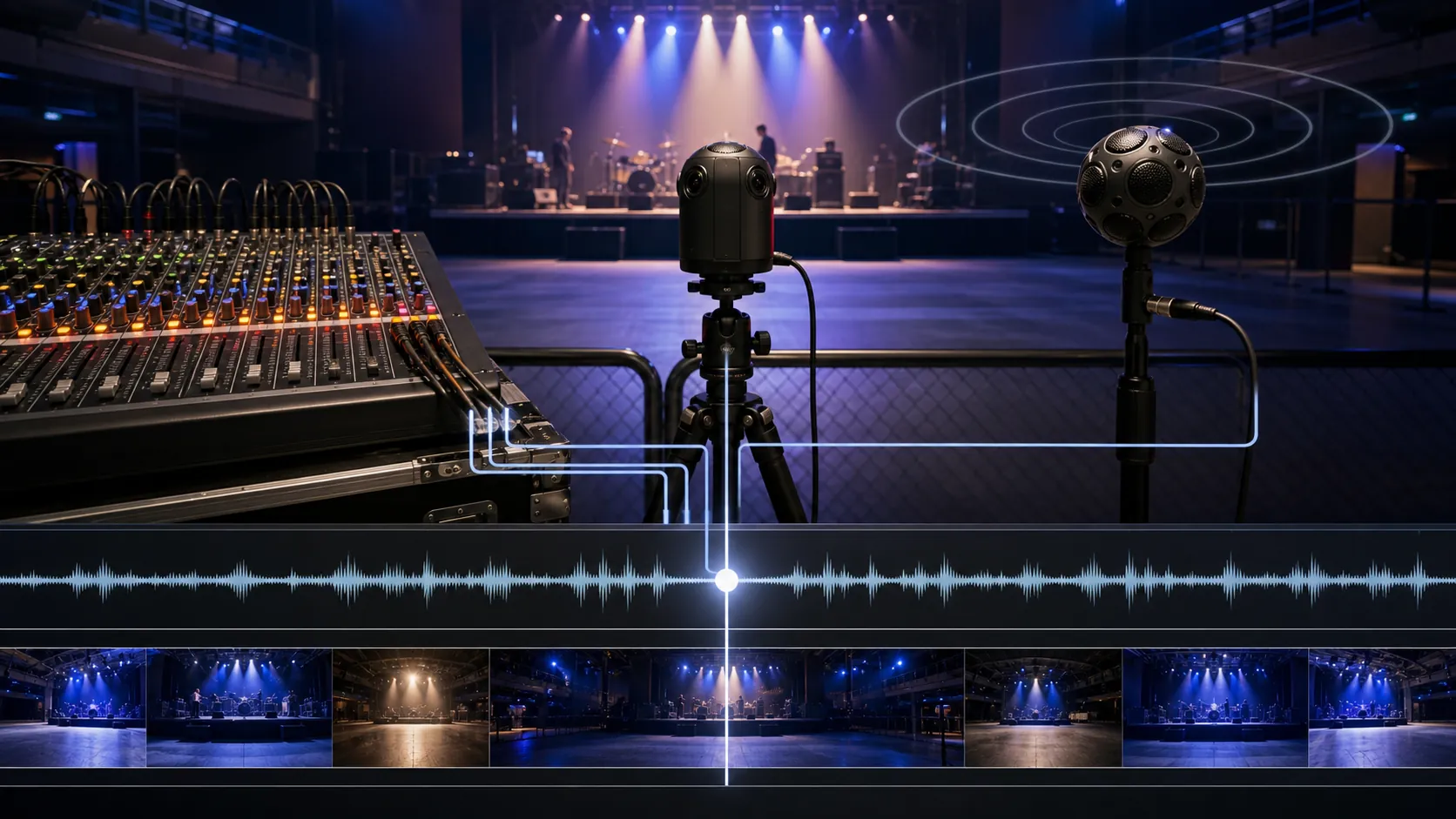
A fictional soundcheck workflow aligning a mixing-console feed, a 360 camera, and an ambisonic microphone on one timeline

Here is something nobody talks about at trade shows or in camera review videos: the reason most 360-degree concert footage falls apart has nothing to do with the camera. Not the resolution. Not the stitching. Not the codec. It is the audio. Always the audio.

You can shoot 8K stereoscopic 360 with a rig that costs more than a used car, stitch it perfectly, encode it flawlessly, and deliver it to Apple Vision Pro through VPORT's pipeline at maximum fidelity - and if the audio is a tinny, phase-smeared recording from a mic sitting on top of the camera, the entire experience collapses. The viewer's brain trusts sound before it trusts vision. Always has. When the visual says "you are standing in a warehouse club at 2 AM" but the audio says "you are listening to a phone recording in a parking lot," the brain sides with the audio. Every time.

iPhone Spatial Video Is Quietly the Best Starter Camera for Live Music

· 14 min read
CPO

You already own the best starter camera for spatial concert capture. It is in your pocket. It was there last night at the show you went to. And the night before that. You just did not know it could do this.

The iPhone 15 Pro, 15 Pro Max, 16 series, and every Pro model since can shoot spatial video - real stereoscopic depth, real MV-HEVC encoding, real playback on Apple Vision Pro. Not a gimmick mode buried in settings. Not a "spatial filter" slapped on flat footage in post. Actual two-perspective capture from the dual camera system, baked into a format that Vision Pro reads as native immersive content.

How to Film Your First Immersive Concert: A Practical 360° Production Guide

· 14 min read
Head of Legal

Your first 360-degree concert capture will have one great minute and eleven you will re-edit forever. That is not pessimism. That is pattern recognition. We have watched it happen dozens of times - a creator nails the camera position for the drop, the lighting lands perfectly for sixty glorious seconds, and then they spend the next two weeks in post trying to salvage the rest. Stitch lines through the guitarist's face. Audio that sounds like it was recorded inside a washing machine. A twenty-minute stretch where the stage lights went UV and the footage turned into purple soup.

Apple Vision Pro Playback Modes: What VPORT Actually Chooses

· 8 min read
CPO

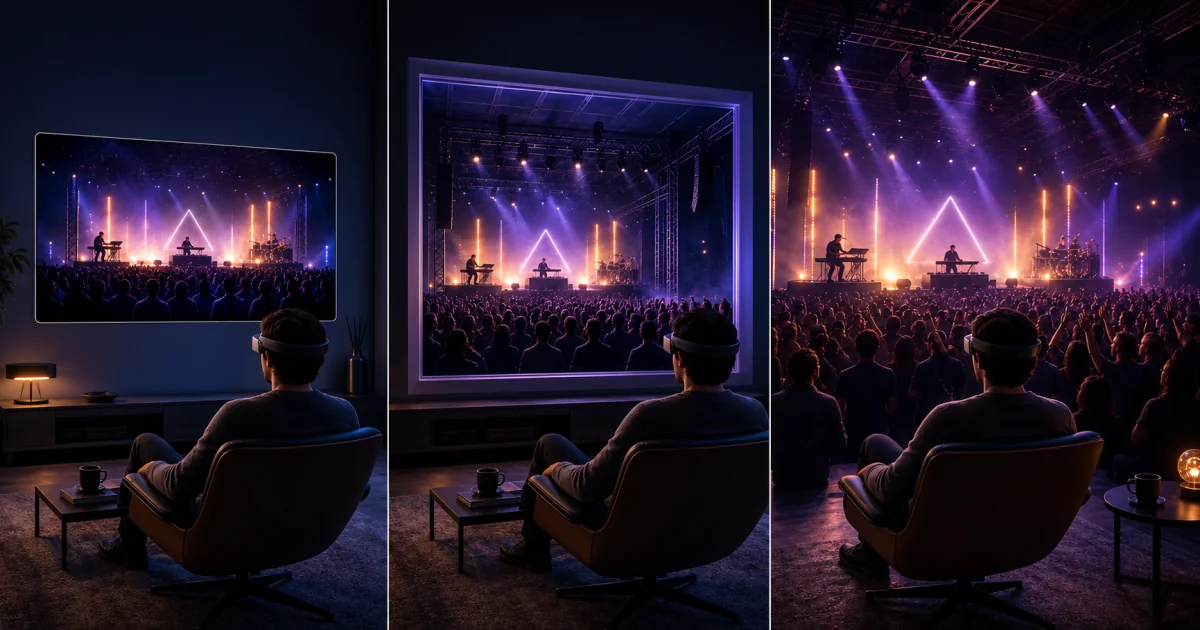
One fictional concert shown in a flat floating window, a depth-framed spatial view and a room-filling immersive view

Illustration: a fictional concert shown across three viewing outcomes. AI-generated editorial image; not a real VPORT event, venue or interface.

Search for Apple Vision Pro playback modes and you will usually find three labels: Window, Spatial and Immersive. They are useful descriptions of what watching feels like. They are not three buttons in a VPORT mode picker.

VPORT currently uses two player presentations on Apple Vision Pro. Standard and spatial footage opens in the native floating player. Supported Apple Projected Media Profile (APMP), 180-degree and 360-degree footage opens in the progressive immersive player. The app selects between them from the footage metadata and the device's capability.

That distinction matters because the source determines the experience. You cannot turn a framed spatial recording into a 360-degree room during playback, and VPORT does not ship a manual switch that converts one presentation into another.